Registration
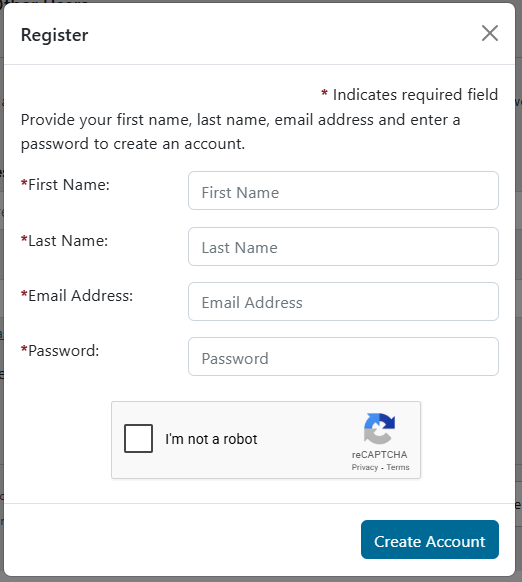
- To begin, click the Register link in the upper right corner of the site, or the Register button from the login screen.
- Enter your First Name, Last Name, Email Address, and a strong Password (see Password Requirements below).
- Check the box next to "I'm not a robot".
- Click Create Account.
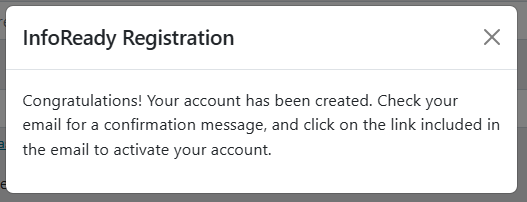
- Check your email for a confirmation message and to complete the activation process. If you do not see a confirmation email, check your junk or spam folder prior to submitting a support ticket.
- You will then be able to log in to the site with your email address and password.
Password Requirements
Passwords must meet the following requirements and will give an error if they are not met:
- Between 8 and 64 characters
- Cannot be a common password, which is considered "weak”
- For example, ones like “password”, “password1234”, “12345678” will not be acceptable.
- Cannot contain “InfoReady”, the user’s first/last name, or the user’s email before the @
Have more questions about this topic? Go to the Community Forum to pose the question to other users or submit a support ticket to InfoReady.