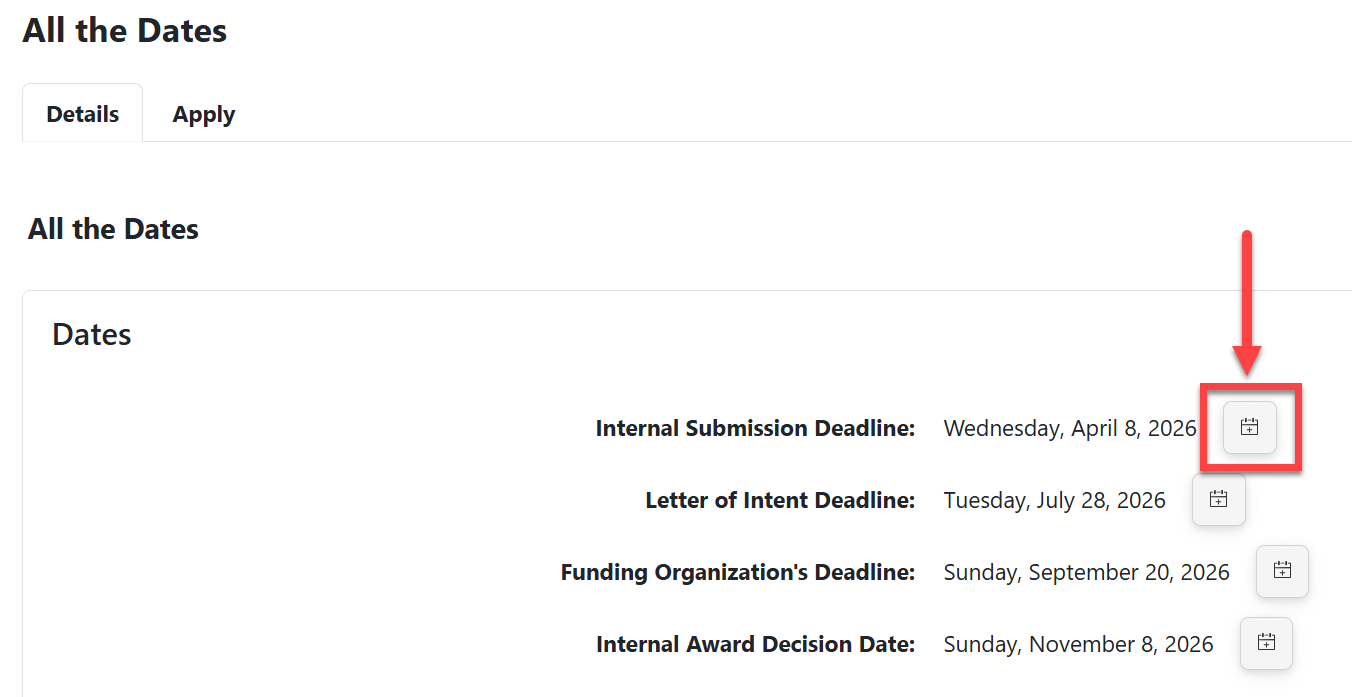
- For any of the dates shown to applicants, users can add them to their digital calendar by clicking the icon next to the date.
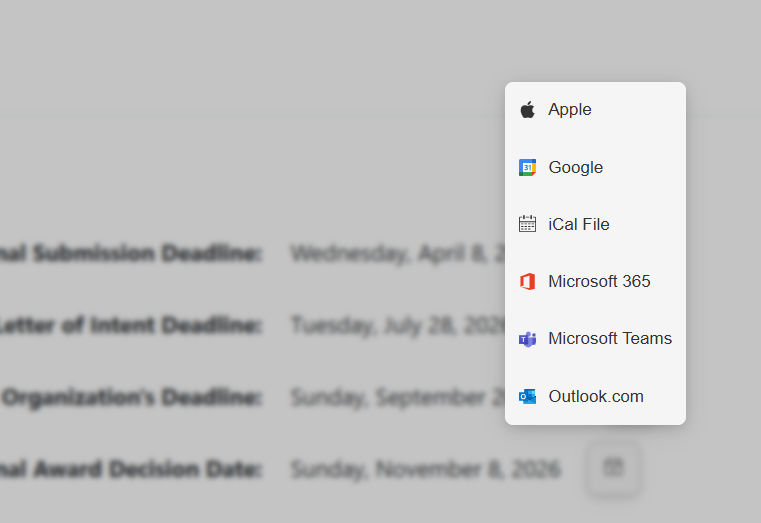
- Supported calendars include: Apple, Google, iCal, Microsoft 365, Microsoft Teams, and Outlook.
- Each calendar event will contain the name of the deadline, the opportunity title, and a link to the opportunity.
- Users may then add other details, notes, or invite others to the event before saving it on their computer's calendar.
- Deadlines that are "All Day" will display as all-day calendar events. Deadlines that are a specific time (e.g., 5:00pm) will start as an event with start and end dates at the designated time.
Have more questions about this topic? Go to the Community Forum to pose the question to other users or submit a support ticket to InfoReady.