This option requires users with local (non-SSO) accounts to authenticate via a 6-digit code in addition to their standard user password to access InfoReady.
Registration Process
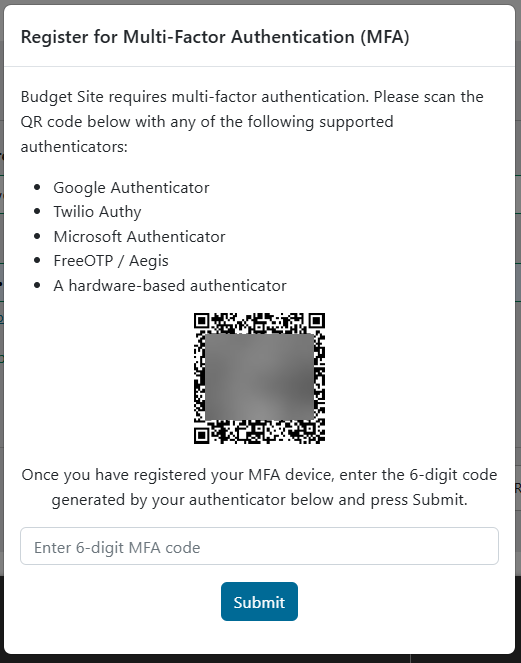
- A user who does not have MFA enabled (new user or existing user) is prompted to enroll after signing in.
- The user registers with QR code, which includes a link to set up their registration with an existing authenticator.
- Supported authenticators include:
- Google Authenticator
- Twilio Authy
- Microsoft Authenticator
- FreeOTP / Aegis
- Once complete, the registration is saved and available for future authentication.
Authentication Process
- Any time the user logs in to InfoReady, they will be prompted for their 6-digit MFA code, which they can find on their chosen authenticator.
- Users must enter the correct 6-digit code to be fully logged in and access the site.
Have more questions about this topic? Go to the Community Forum to pose the question to other users or submit a support ticket to InfoReady.