On the Notifications page, Administrators can choose two key fields for communicating about their opportunity:
- Display name - How the sender name appears in emails sent for the competition
- Reply-to address - Address users reply to for emails sent for the competition (which does not have to be an InfoReady Administrator or have an account in InfoReady)
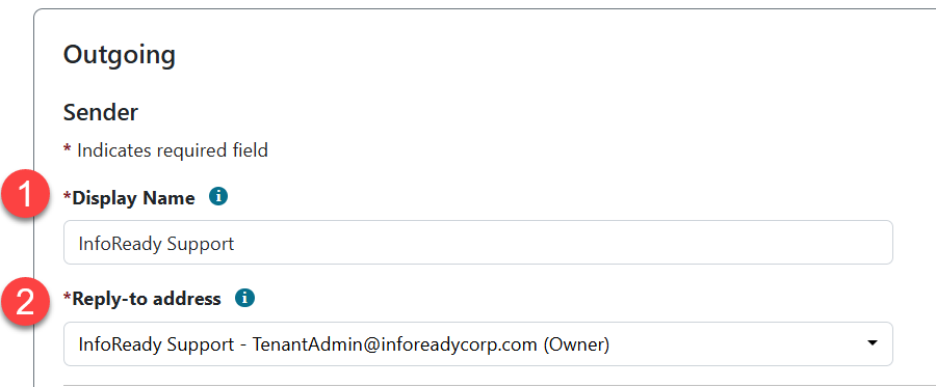
By default, these fields will start by showing the name and email address of the owner. However, you can change them to suit your needs. For example, you may want to use a more generic display name and/or email address for simplified communication.
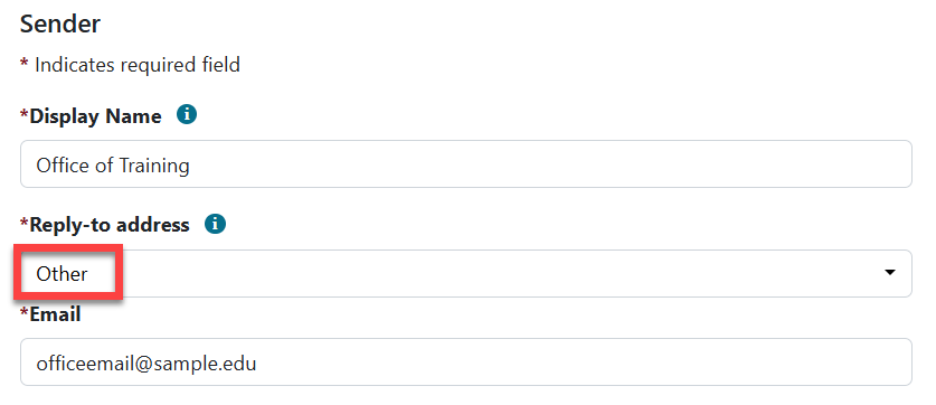
Based on the email above, this is how an email sent via Outlook would appear in someone’s inbox:
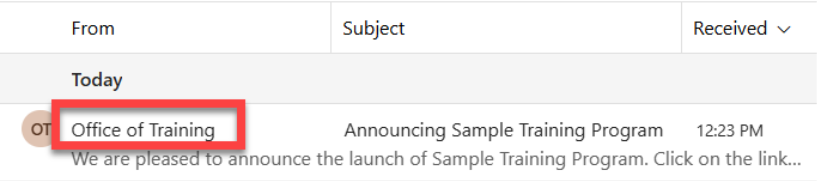
And if someone replied to that email, it would go to the officeemail@sample.edu inbox.
Important: The system only allows for one email address. Please double-check the spelling and make sure you enter a valid email address, as this address will be used for communication purposes.
It may be necessary to whitelist: do-not-reply@inforeadyreview.com as an approved email to avoid internal email warning.
Have more questions about this topic? Go to the Community Forum to pose the question to other users or submit a support ticket to InfoReady.