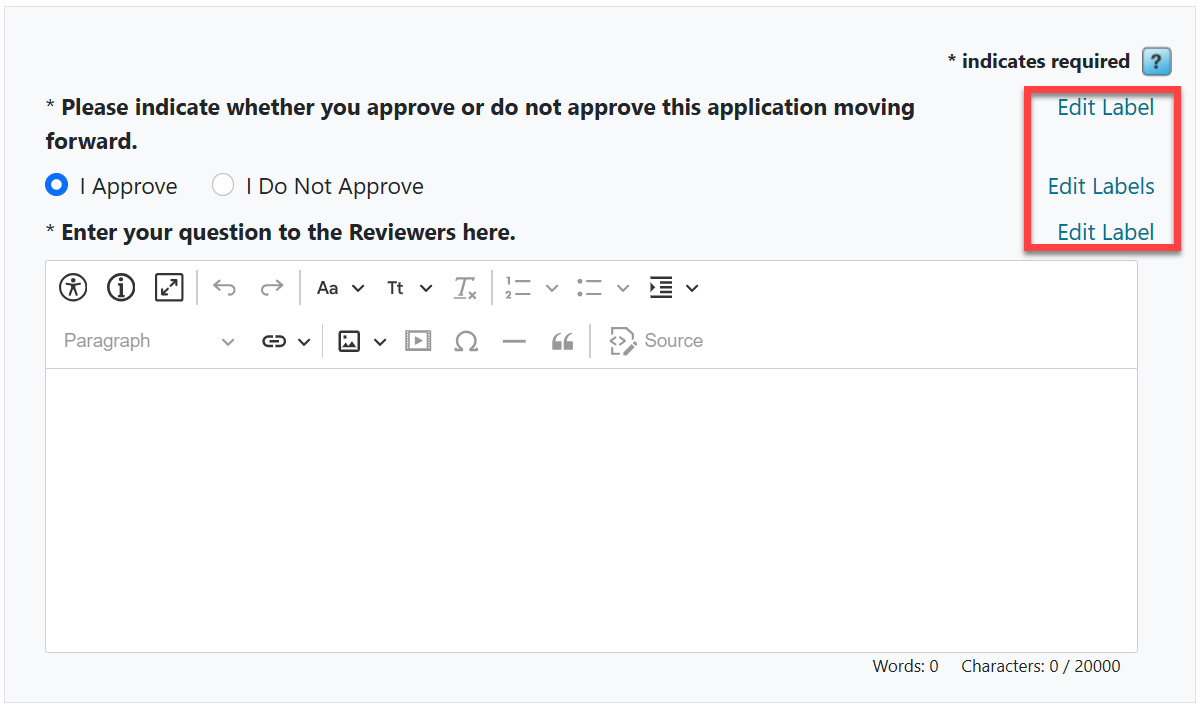
The information below is only relevant for the legacy routing steps experience, which was the default experience prior to August 2026. For more information on the new routing steps experience, see this article.Do you need a simple "Yes" or "No" decision from reviewers for each application? Use the Approve/Do Not Approve routing step to create a review form with a pair of decisions to choose from and a place for comments.
Here is the default set up from the Routing Steps section:
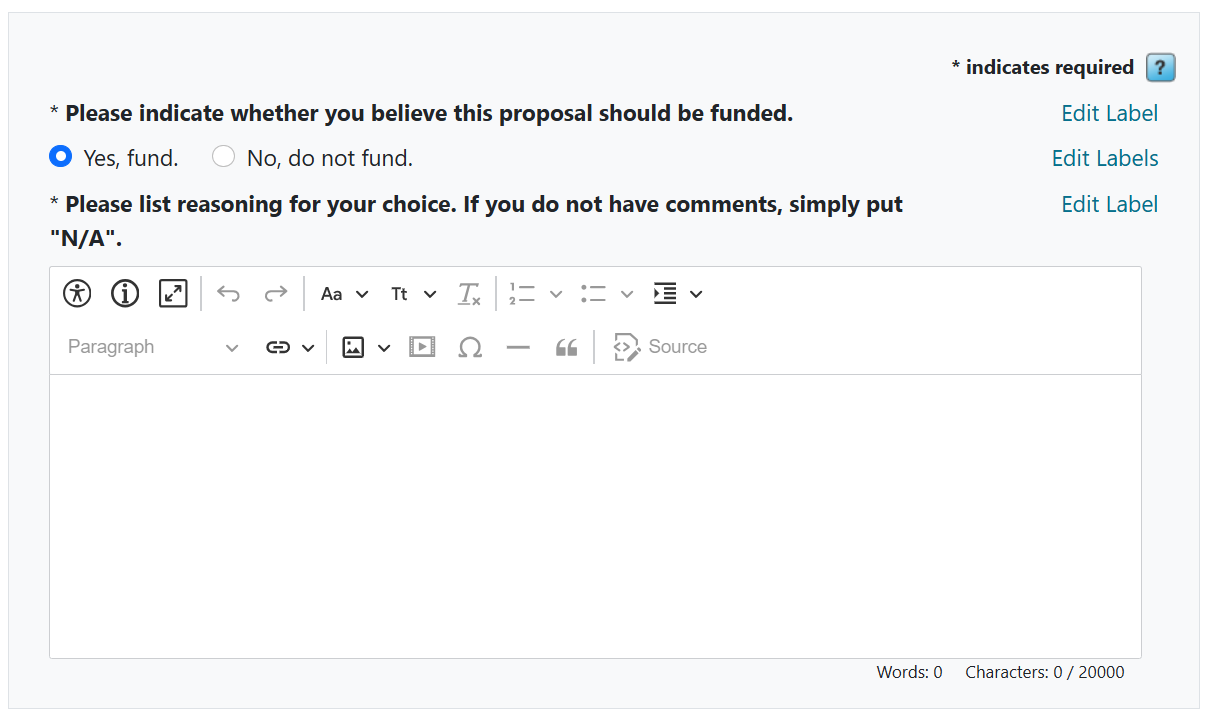
Here is an example with modified labels for each section:
Important Notes
- Reviewers will need to put something in the comment box. If comments are not required, instruct them to put "n/a" or "none".
- A reviewer's response will not cause any specific action in the system. An administrator will need to take action on an application (e.g., assign later reviewers, award, reject) based on the responses received.
- This routing step type is the default for Applicant-Driven Routing Steps, but can be changed to a different type if needed.
Have more questions about this topic? Go to the Community Forum to pose the question to other users or submit a support ticket to InfoReady.