Overview
- Text-only area with rich formatting options (applicants do not enter responses)
- You can include links, images, and detailed formatting in each field.
- Does not show in Data Grid, PDFs, or Excel reports
- Use for longer or more detailed instructions between questions/sections.
Default Admin View
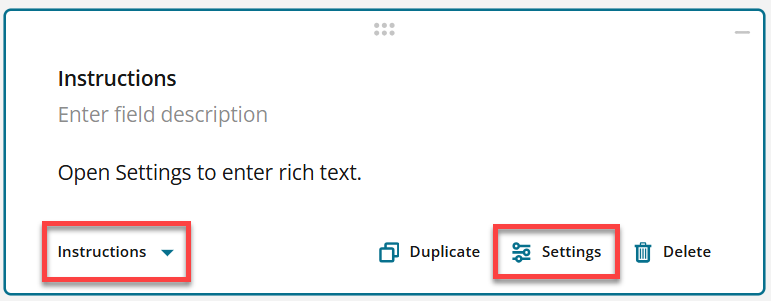
Settings Panel Sections
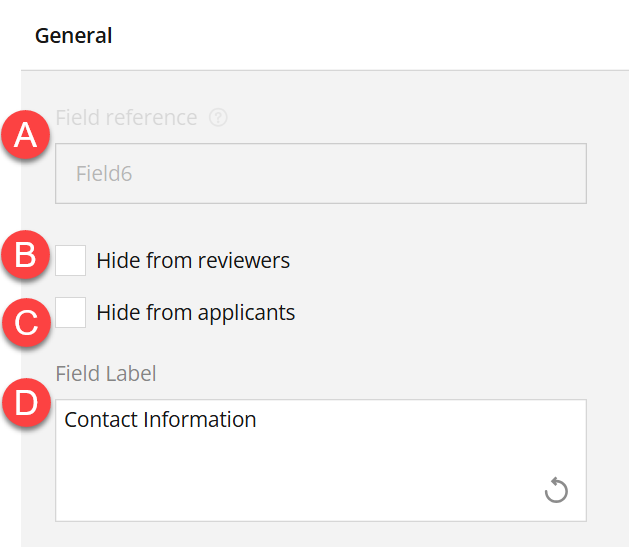
General
A. Field reference - Unique identifier in the InfoReady database that does not show to applicants.
B. Hide from reviewers (optional) - Check to hide the text from reviewers.
C. Hide from applicants (optional) - Check to hide the text from applicants.
D. Field label - Heading for the instructions/text
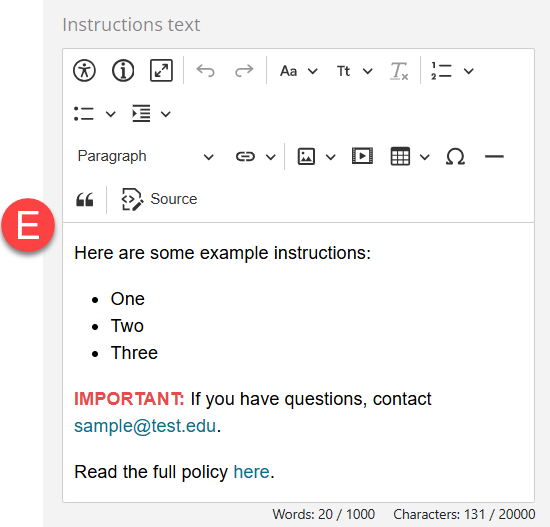
E. Instructions text
- Use the formatting tools to add styling, bulleted or numbered lists, links, etc.
- For a full description of tools, see: Text Editor Formatting Options.
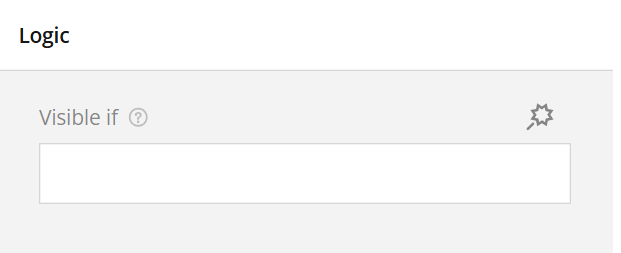
Logic
- Choose when the text is visible to applicants.
- Full instructions here: Adding Conditional Logic
Layout
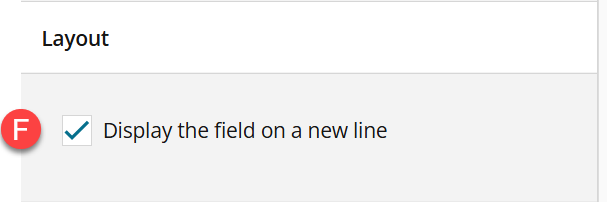
F. Display field on a new line - Uncheck to put question directly next to the one before it on the screen.
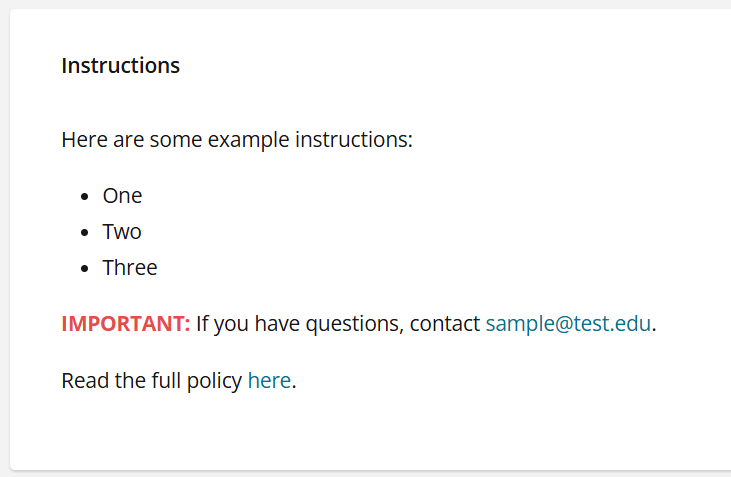
Example Customized Applicant View
- From the Preview tab, here is how the question built above would look to applicants.
- Click directly in the label or instructions fields to edit that text.
- Switch back to the Designer tab to make any edits to logic or layout.
For comparison, check out these other question types:
- Text Area
- Rich Text Field
Have more questions about this topic? Go to the Community Forum to pose the question to other users or submit a support ticket to InfoReady.